Echo newline in Bash prints literal \n
Categories:
Understanding echo and Newlines in Bash: Why \n Prints Literally
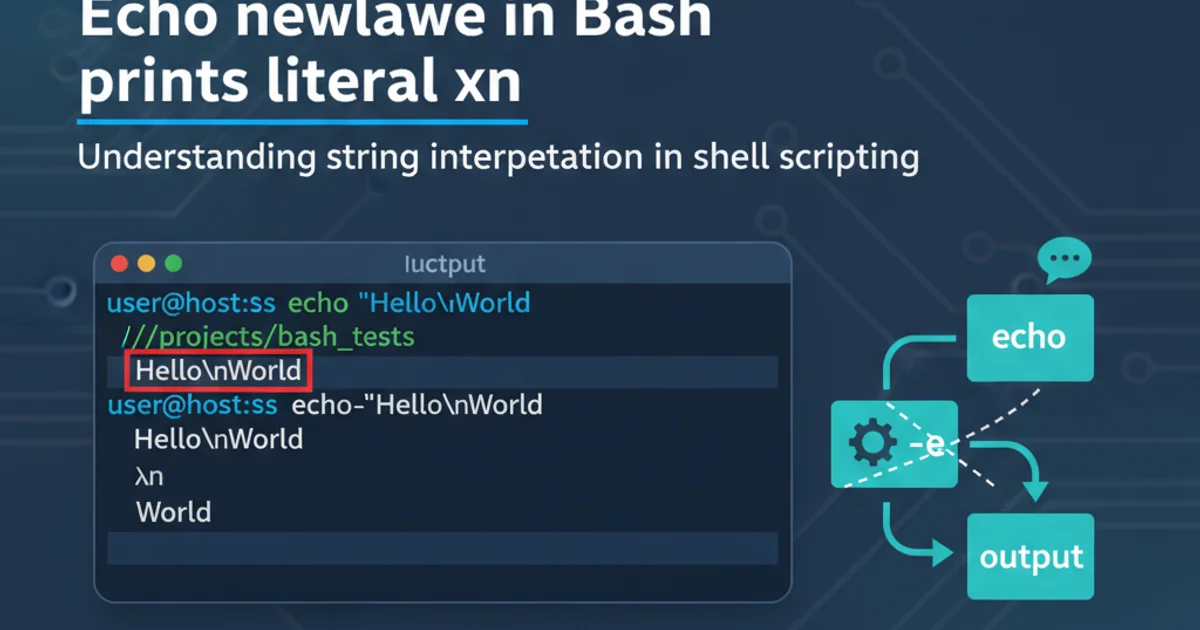
Explore the nuances of echo command behavior in Bash, specifically why \n might print as a literal string instead of a newline character, and how to achieve the desired output.
The echo command is a fundamental utility in Bash for printing text to standard output. While seemingly straightforward, its behavior with special characters like newlines (\n) can sometimes be a source of confusion. Users often expect echo "Hello\nWorld" to print "Hello" on one line and "World" on the next, but are surprised when it outputs "Hello\nWorld" literally. This article delves into the reasons behind this behavior and provides solutions to ensure your echo commands produce the intended newlines.
The Default Behavior of echo
By default, the echo command in many Unix-like systems, including Bash, does not interpret backslash escapes. This means that sequences like \n, \t, or \r are treated as literal characters rather than special control characters. This behavior is largely due to historical reasons and variations in echo implementations across different shells and operating systems. When you type echo "Hello\nWorld", Bash passes the string "Hello\nWorld" directly to the echo utility, which then prints it as is.
echo "Hello\nWorld"
Default echo behavior, printing \n literally.
Enabling Backslash Escape Interpretation with -e
To make echo interpret backslash escapes, you need to use the -e option. This option tells echo to enable interpretation of backslash escapes, allowing \n to be recognized as a newline character, \t as a tab, and so on. This is the most common and recommended way to print newlines and other special characters with echo in Bash.
echo -e "Hello\nWorld"
Using the -e option to interpret \n as a newline.
\n with echo -e. Single quotes prevent Bash from interpreting \n before echo even sees it, leading to literal output even with -e.Alternative: Using printf for Consistent Output
While echo -e works well, the printf command offers a more robust and portable solution for formatted output, including newlines. printf behaves similarly to the C printf() function and always interprets escape sequences. It's generally preferred for scripting where consistent behavior across different systems is crucial, as echo's behavior can vary.
printf "Hello\nWorld\n"
printf automatically interprets \n.
echo, printf does not automatically add a newline at the end of the string. You must explicitly include \n if you want a newline.flowchart TD
A[Start: User runs `echo` command]
B{Is `-e` option used?}
B -- Yes --> C[Bash passes string to `echo` with `-e`]
B -- No --> D[Bash passes string to `echo` without `-e`]
C --> E[Echo interprets `\n` as newline]
D --> F[Echo prints `\n` literally]
E --> G[Output: Newline interpreted]
F --> H[Output: `\n` printed literally]
A --> BDecision flow for echo interpreting \n.
Summary of echo and printf Behavior
Understanding the distinction between echo's default behavior, its -e option, and printf is key to writing reliable Bash scripts. For simple output without special characters, echo is fine. For output requiring escape sequence interpretation, echo -e is a quick solution, but printf offers greater control and portability.
Echo (Default)
echo "Line1\nLine2"
Output: Line1\nLine2
Echo (-e)
echo -e "Line1\nLine2"
Output:
Line1
Line2
Printf
printf "Line1\nLine2\n"