if - else if - else statement and brackets
Categories:
Mastering R's if-else if-else Statements and Bracket Usage
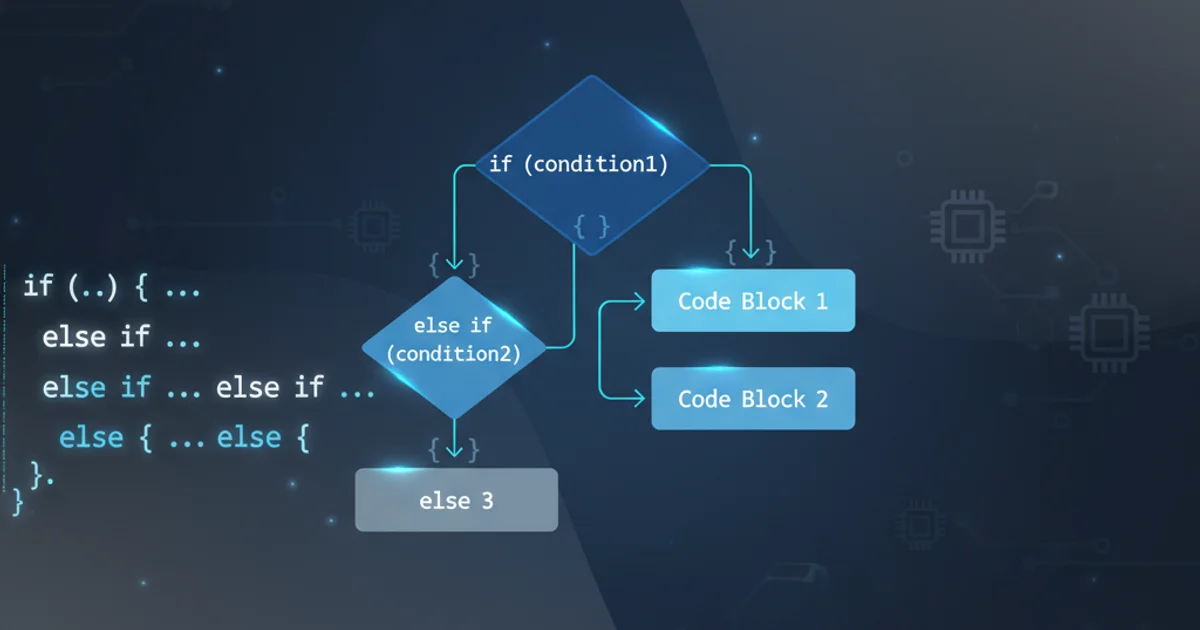
Explore the fundamentals of conditional logic in R using if, else if, and else statements, with a focus on correct bracket syntax for robust code.
Conditional statements are a cornerstone of programming, allowing your code to make decisions and execute different blocks of instructions based on specific conditions. In R, the if-else if-else construct is used for this purpose. While seemingly straightforward, understanding the nuances of its syntax, especially regarding bracket usage, is crucial for writing correct, readable, and error-free R scripts. This article will guide you through the proper implementation of these statements, highlight common pitfalls, and demonstrate best practices.
The Basic if Statement
The simplest form of a conditional statement is the if statement. It evaluates a logical expression, and if the expression is TRUE, the code block immediately following it is executed. If the expression is FALSE, the code block is skipped.
x <- 10

if (x > 5) {
  print("x is greater than 5")
}

if (x < 5) {
  print("x is less than 5") # This will not be executed
}
Basic if statement in R
() and the code block in curly braces {}. While R sometimes allows omitting braces for single-line statements, it's a best practice to always use them for clarity and to prevent unexpected behavior, especially when adding more lines later.Introducing else for Alternative Execution
The else statement provides an alternative code block to execute when the if condition evaluates to FALSE. It must immediately follow the closing brace of the if block.
y <- 3

if (y %% 2 == 0) {
  print("y is an even number")
} else {
  print("y is an odd number")
}
Using if-else for binary conditions
flowchart TD
    A[Start] --> B{Condition is TRUE?}
    B -- Yes --> C[Execute 'if' block]
    B -- No --> D[Execute 'else' block]
    C --> E[End]
    D --> E[End]
Flowchart of an if-else statement
Handling Multiple Conditions with else if
When you need to check multiple conditions sequentially, the else if statement comes into play. It allows you to specify additional conditions to be evaluated only if the preceding if or else if conditions were FALSE. You can have any number of else if blocks between an if and an optional else.
score <- 85

if (score >= 90) {
  print("Grade: A")
} else if (score >= 80) {
  print("Grade: B")
} else if (score >= 70) {
  print("Grade: C")
} else {
  print("Grade: F")
}
Example of if-else if-else for grading
else if and else keywords must be on the same line as the closing brace } of the preceding block. Placing them on a new line will result in a syntax error or unexpected behavior, as R will interpret the if block as a complete statement.flowchart TD
A[Start] --> B{Condition 1 is TRUE?}
B -- Yes --> C[Execute Block 1]
B -- No --> D{Condition 2 is TRUE?}
D -- Yes --> E[Execute Block 2]
D -- No --> F{Condition 3 is TRUE?}
F -- Yes --> G[Execute Block 3]
F -- No --> H[Execute 'else' Block]
C --> I[End]
E --> I[End]
G --> I[End]
H --> I[End]Flowchart of an if-else if-else statement
Importance of Brackets and Indentation
While R's parser can sometimes infer block boundaries without braces for single-line statements, it is highly recommended to always use curly braces {} for the code blocks associated with if, else if, and else. This practice significantly improves code readability, prevents logical errors when modifying code, and makes your code more robust.
Consistent indentation also plays a vital role in making your conditional logic easy to follow. RStudio, for instance, automatically indents code, which is a great help.
# BAD PRACTICE: Omitting braces for single line
# This works, but is prone to errors if you add more lines
if (TRUE) print("Hello") else print("Goodbye")

# GOOD PRACTICE: Always use braces
if (TRUE) {
  print("Hello")
} else {
  print("Goodbye")
}

# BAD PRACTICE: Incorrect placement of else
# This will cause a syntax error
# if (x > 5) {
#   print("Greater")
# }
# else {
#   print("Not Greater")
# }

# CORRECT PLACEMENT
if (x > 5) {
  print("Greater")
} else {
  print("Not Greater")
}
Demonstrating correct and incorrect bracket usage and placement
ifelse() function (vectorized) or if_else() from dplyr (type-safe) might be more appropriate and concise than if-else statements, especially when working with vectors.