Using If else in SQL Select statement
Conditional Logic in SQL SELECT Statements: Mastering IF-ELSE
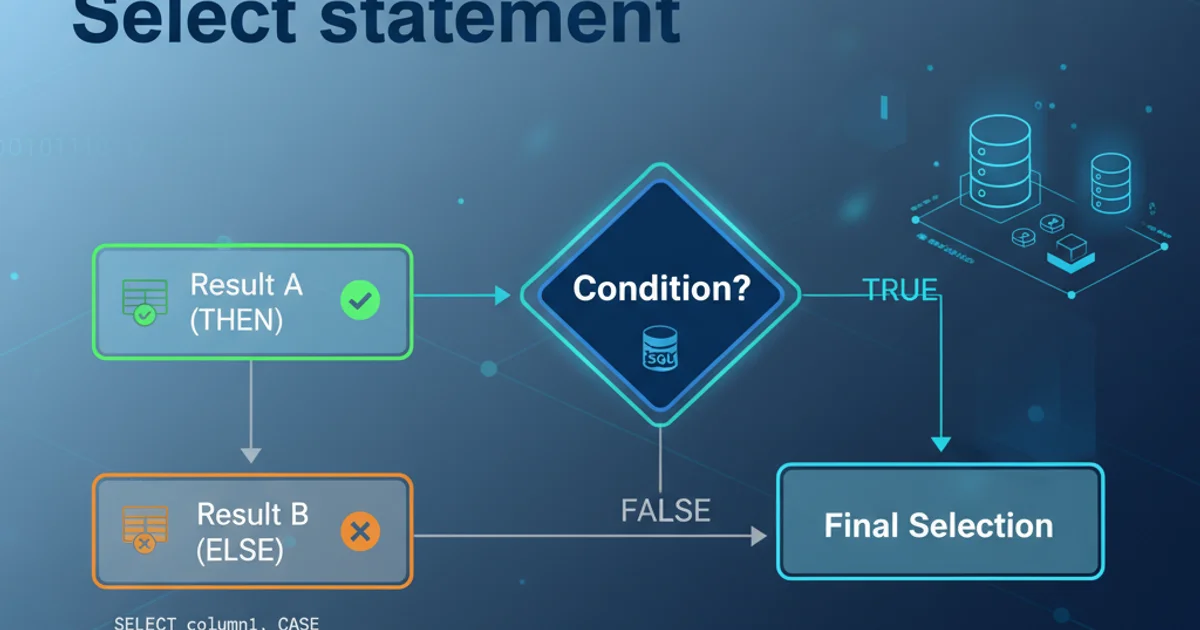
Learn how to implement conditional logic directly within your SQL SELECT statements using CASE expressions, enhancing data presentation and reporting capabilities.
SQL's SELECT statement is primarily used for retrieving data. However, there are many scenarios where you need to apply conditional logic to the data being retrieved. This means displaying different values or categorizing data based on certain conditions, similar to an if-else structure in programming languages. While SQL doesn't have a direct IF-ELSE statement within SELECT, it provides powerful constructs like the CASE expression to achieve this functionality. This article will guide you through using CASE expressions effectively in your SQL SELECT statements, focusing on both simple and complex conditional scenarios.
Understanding the CASE Expression
The CASE expression is SQL's equivalent of an if-else or switch statement. It allows you to define different outcomes based on various conditions. It evaluates conditions sequentially and returns the result of the first condition that evaluates to true. If no conditions are met, and an ELSE clause is provided, it returns the ELSE result. If no ELSE clause is present and no conditions are met, it returns NULL.
flowchart TD
    A[Start SELECT Statement] --> B{Evaluate CASE Expression?}
    B -- Yes --> C{Condition 1 Met?}
    C -- Yes --> D[Return Result 1]
    C -- No --> E{Condition 2 Met?}
    E -- Yes --> F[Return Result 2]
    E -- No --> G{...}
    G -- No --> H{ELSE Clause Present?}
    H -- Yes --> I[Return ELSE Result]
    H -- No --> J[Return NULL]
    D --> K[End CASE]
    F --> K[End CASE]
    I --> K[End CASE]
    J --> K[End CASE]
Flowchart of a SQL CASE Expression Evaluation
Simple CASE Expression: Basic IF-ELSE Logic
A simple CASE expression compares a single expression to a set of values. This is similar to a switch statement in other languages. It's useful when you want to map specific input values to specific output values.
SELECT
    ProductName,
    UnitsInStock,
    CASE UnitsInStock
        WHEN 0 THEN 'Out of Stock'
        WHEN 1 THEN 'Low Stock'
        WHEN 2 THEN 'Low Stock'
        ELSE 'In Stock'
    END AS StockStatus
FROM
    Products;
Example of a simple CASE expression for stock status.
ELSE clause in your CASE expressions to handle situations where none of your specified WHEN conditions are met. This prevents unexpected NULL values and makes your logic more robust.Searched CASE Expression: Complex Conditional Logic
The searched CASE expression is more flexible and powerful. It allows you to specify different conditions for each WHEN clause, similar to a series of if-else if-else statements. This is ideal for range-based conditions or when conditions involve multiple columns.
SELECT
    EmployeeName,
    Salary,
    CASE
        WHEN Salary < 30000 THEN 'Junior'
        WHEN Salary >= 30000 AND Salary < 60000 THEN 'Mid-Level'
        WHEN Salary >= 60000 AND Salary < 100000 THEN 'Senior'
        ELSE 'Executive'
    END AS EmployeeLevel
FROM
    Employees;
Example of a searched CASE expression for categorizing employees by salary.
WHEN clauses matters in a CASE expression. SQL evaluates conditions from top to bottom and stops at the first TRUE condition. Ensure your conditions are ordered correctly to avoid logical errors, especially with overlapping ranges.Using CASE with Aggregate Functions
You can also combine CASE expressions with aggregate functions (SUM, COUNT, AVG, etc.) to perform conditional aggregation. This is incredibly useful for creating pivot-like reports or calculating metrics based on specific criteria within groups.
SELECT
    Department,
    SUM(CASE WHEN Gender = 'Male' THEN 1 ELSE 0 END) AS MaleEmployees,
    SUM(CASE WHEN Gender = 'Female' THEN 1 ELSE 0 END) AS FemaleEmployees,
    COUNT(*) AS TotalEmployees
FROM
    Employees
GROUP BY
    Department;
Conditional aggregation using CASE to count male and female employees per department.