Friend vs. Public for vb.net forms
Categories:
Friend vs. Public: Understanding Access Modifiers for VB.NET Forms
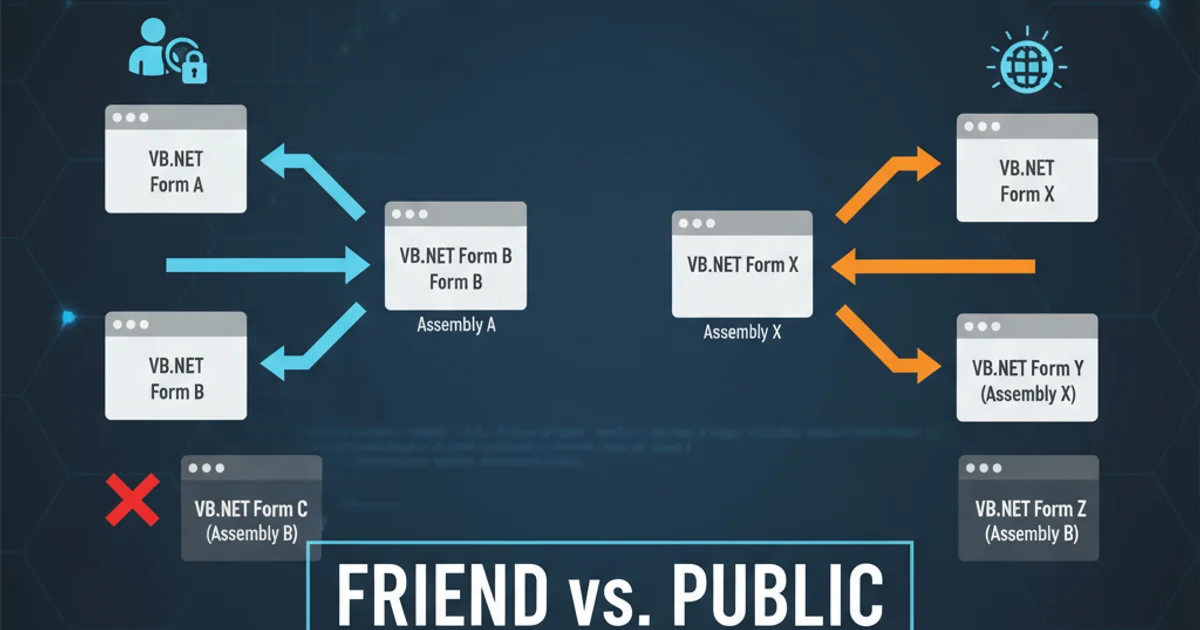
Explore the nuances of 'Friend' and 'Public' access modifiers in VB.NET, specifically how they impact the visibility and interaction of Windows Forms within multi-project solutions.
When developing applications in VB.NET, especially those structured across multiple projects within a single solution, understanding access modifiers is crucial. The keywords Friend and Public dictate the visibility and accessibility of your classes, including Windows Forms. This article delves into the practical implications of using Friend versus Public for your VB.NET forms, helping you make informed design decisions for maintainable and robust applications.
The Basics of Access Modifiers in VB.NET
Access modifiers control the scope of a type or a member. They define where the type or member can be accessed from. In VB.NET, the primary access modifiers are Public, Private, Protected, Friend, and Protected Friend. For forms, Public and Friend are the most relevant when considering inter-project communication.
Friend.Public Forms: Broad Accessibility
Declaring a form as Public makes it accessible from any assembly (project) that references the assembly containing the form. This is the most permissive access level and is often used when a form needs to be instantiated or interacted with directly from other parts of a larger application or even external applications. While offering maximum flexibility, it also means that the form's internal implementation details might be exposed more broadly than necessary.
Public Class MyPublicForm
    ' Form controls and logic
    Public Sub ShowMessage(message As String)
        MessageBox.Show(message)
    End Sub
End Class
Example of a Publicly declared VB.NET Form
Friend Forms: Assembly-Level Scope
A form declared as Friend (or implicitly Friend by omitting an access modifier) is accessible only from within the same assembly (project). This means if you have a solution with ProjectA and ProjectB, and MyFriendForm is in ProjectA, it can only be accessed by other code within ProjectA. ProjectB, even if it references ProjectA, cannot directly instantiate or interact with MyFriendForm. This modifier promotes encapsulation by limiting the visibility of internal components to their containing assembly.
Friend Class MyFriendForm
    ' Form controls and logic
    Friend Sub InternalOperation()
        Console.WriteLine("Performing internal operation.")
    End Sub
End Class
Example of a Friend declared VB.NET Form
flowchart TD
    subgraph Project A
        A[MyPublicForm] --> B[Module A]
        C[MyFriendForm] --> B
    end
    subgraph Project B
        D[Module B]
    end
    D --> A
    D -.-> C
    style D fill:#f9f,stroke:#333,stroke-width:2px
    linkStyle 3 stroke-dasharray: 5 5
    linkStyle 3 stroke: red
    classDef publicForm fill:#bbf,stroke:#333,stroke-width:2px
    classDef friendForm fill:#fbf,stroke:#333,stroke-width:2px
    class A publicForm
    class C friendForm
Visibility of Public vs. Friend Forms across projects
Friend when a form is an internal component of a specific project and should not be directly exposed to other projects. This helps enforce modularity and reduces coupling.When to Choose Which Access Modifier
The choice between Friend and Public depends heavily on your application's architecture and design goals:
Choose
Publicwhen:- The form is part of a shared library or component that needs to be directly used by multiple distinct applications or projects.
- The form acts as a primary interface or entry point that other assemblies are expected to interact with.
- You are building a plugin architecture where external plugins need to instantiate and display your forms.
Choose
Friendwhen:- The form is an internal UI component specific to a particular project and its functionality is managed entirely within that project.
- You want to prevent other projects from directly instantiating or manipulating the form, promoting a clearer separation of concerns.
- The form's lifecycle and interaction are tightly coupled with other classes within the same assembly, and exposing it publicly would break encapsulation.
In many multi-project solutions, it's common to have a main executable project and several class library projects. Forms within the main executable project often default to Friend if they are only used internally. If a form resides in a class library and is intended to be displayed by the main executable, it would typically need to be Public.
Public can lead to tightly coupled code and make refactoring more difficult. Always consider the minimum necessary access level.