Python String Replace - "\" by "/"
Categories:
Python String Replace: Converting Backslashes to Forward Slashes
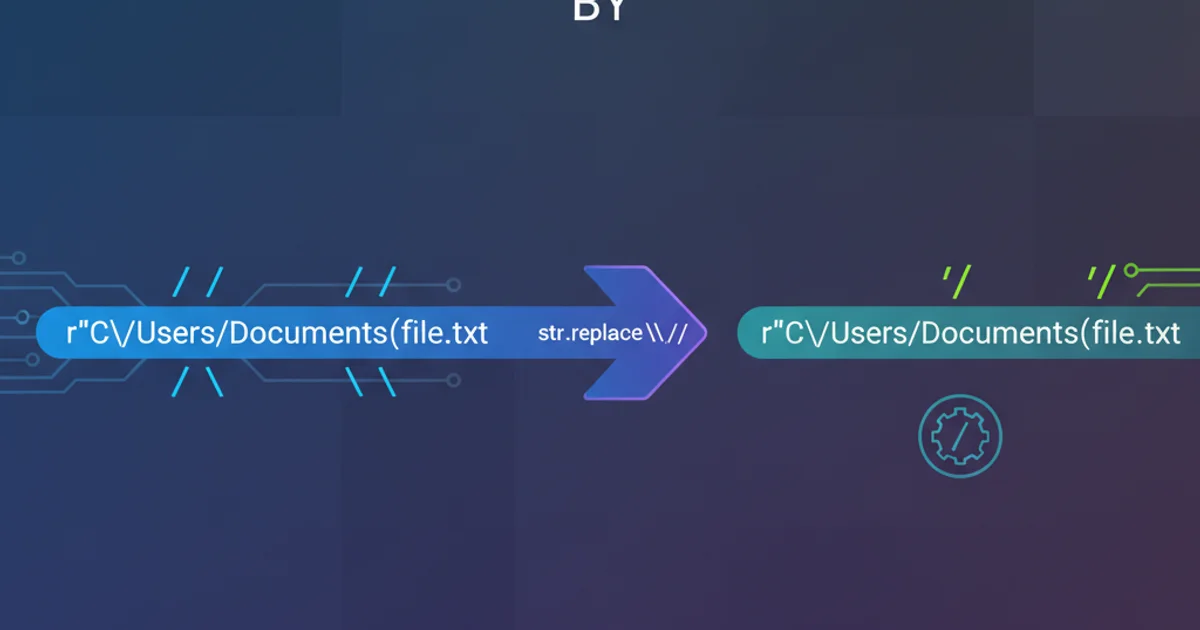
Learn how to effectively replace backslashes () with forward slashes (/) in Python strings, a common task for path manipulation and cross-platform compatibility.
When working with file paths, URLs, or other string manipulations in Python, you often encounter situations where you need to convert backslashes (\) to forward slashes (/). This is particularly common when dealing with Windows file paths that need to be compatible with Unix-like systems or web URLs. Python provides straightforward methods to achieve this, primarily using the replace() string method.
Understanding the Problem: Backslashes as Escape Characters
The primary challenge with replacing backslashes in Python is that the backslash character (\) itself is used as an escape character. This means that to represent a literal backslash in a string, you often need to escape it with another backslash (e.g., \\). When using the replace() method, you must account for this behavior.
windows_path = "C:\\Users\\Documents\\file.txt"
print(windows_path)
Demonstrating how to represent a literal backslash in a Python string.
Method 1: Using the str.replace() Method
The most direct and commonly used method for replacing substrings in Python is the str.replace() method. This method returns a new string with all occurrences of the old substring replaced by the new substring. Remember to escape the backslash when specifying the character to be replaced.
windows_path = "C:\\Users\\Documents\\file.txt"
unix_path = windows_path.replace('\\', '/')
print(f"Original path: {windows_path}")
print(f"Converted path: {unix_path}")

# Example with a raw string to avoid double escaping
windows_path_raw = r"C:\Users\Documents\file.txt"
unix_path_raw = windows_path_raw.replace('\\', '/')
print(f"Original raw path: {windows_path_raw}")
print(f"Converted raw path: {unix_path_raw}")
Using str.replace() to convert backslashes to forward slashes.
r) can simplify path definitions by treating backslashes as literal characters, reducing the need for double escaping when defining the initial string. However, when specifying the character to replace in replace(), you still need \\ because replace() expects a string literal for the old substring.Method 2: Using os.path.normpath() (for Path Normalization)
While replace() is great for simple string substitution, if you're primarily dealing with file paths and need robust normalization (e.g., handling . and .. components, removing redundant separators), the os.path.normpath() function is a more powerful tool. Although it primarily normalizes paths, on Windows, it will convert forward slashes to backslashes. To achieve the opposite (backslashes to forward slashes for cross-platform use), you might combine it with replace() or use pathlib.
flowchart TD
    A["Input Path (Windows style)"] --> B{"Contains Backslashes?"}
    B -->|Yes| C["Escape Backslashes (\\)"]
    C --> D["Call .replace('\\', '/')"]
    B -->|No| E["Path is already Unix-like"]
    D --> F["Output Path (Unix style)"]
    E --> F
    F --> G["Use Converted Path"]
Flowchart illustrating the process of converting backslashes to forward slashes.
Method 3: Using pathlib for Modern Path Handling
For modern Python development, the pathlib module is highly recommended for handling file system paths. It provides an object-oriented approach that is more robust and readable than string manipulation. While pathlib objects internally handle path separators appropriately for the operating system, if you need a string representation with forward slashes specifically, you can convert the Path object to a string and then use replace() or ensure it's a PurePosixPath.
from pathlib import Path, PurePosixPath

windows_path_str = "C:\\Users\\Documents\\file.txt"

# Using Path object (will use OS-native separators)
path_obj = Path(windows_path_str)
print(f"Path object (OS-native): {path_obj}")

# To get a POSIX-style string representation from a Path object
posix_path_str = str(path_obj).replace('\\', '/')
print(f"Path object converted to POSIX string: {posix_path_str}")

# Directly creating a PurePosixPath (forces forward slashes)
posix_path_direct = PurePosixPath(windows_path_str)
print(f"PurePosixPath object: {posix_path_direct}")
Converting paths using pathlib and ensuring forward slashes.
pathlib, Path() objects are OS-aware. If you explicitly need a POSIX-style path string (with forward slashes) regardless of the OS, converting to str() and then using replace() is a common pattern, or directly using PurePosixPath if you're constructing a path that must be POSIX-like.