Confusion with snmp trap
Categories:
Demystifying SNMP Traps: Configuration and Troubleshooting on Linux
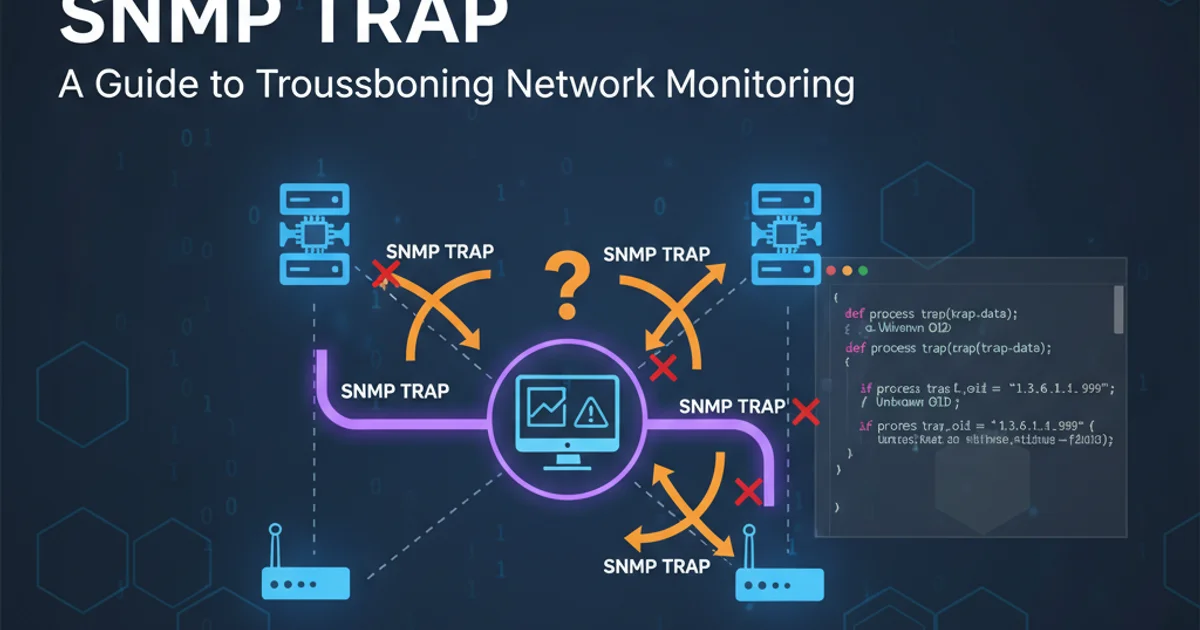
Understand and configure SNMP traps on Linux systems using Net-SNMP, troubleshoot common issues, and ensure effective network monitoring.
SNMP (Simple Network Management Protocol) traps are asynchronous notifications sent from an SNMP agent to an SNMP manager when a significant event occurs on a network device. Unlike polling, where the manager actively requests information, traps allow devices to proactively alert the manager about critical situations, such as a disk going full, a service stopping, or a hardware failure. This article will guide you through setting up and troubleshooting SNMP traps on Linux systems, primarily using the Net-SNMP suite.
Understanding SNMP Trap Architecture
Before diving into configuration, it's crucial to grasp the basic architecture of how SNMP traps work. A device running an SNMP agent (e.g., a Linux server with snmpd) is configured to send traps. When a predefined event triggers, the agent generates a trap message and sends it to one or more designated SNMP managers (trap receivers). The manager then processes this trap, which might involve logging, alerting, or triggering automated responses.
flowchart TD
    A[SNMP Agent (e.g., Linux Server)] --> B{Event Occurs}
    B -- Trigger --> C[Generate SNMP Trap]
    C -- Send Trap (UDP 162) --> D[SNMP Manager (Trap Receiver)]
    D -- Process Trap --> E[Log / Alert / Action]
Basic SNMP Trap Flow
Configuring the SNMP Agent to Send Traps
To send traps from a Linux machine, you need to configure the snmpd daemon. The primary configuration file is typically /etc/snmp/snmpd.conf. You'll need to specify the trap receiver's IP address and the community string to be used for sending traps. This ensures that traps are sent to the correct destination and with the appropriate authentication.
# Open the snmpd.conf file
sudo nano /etc/snmp/snmpd.conf
Opening the Net-SNMP configuration file
Inside snmpd.conf, add or modify the following lines. Replace your_manager_ip with the IP address of your SNMP trap receiver and your_community_string with the desired community string (e.g., public or a more secure one).
# Direct traps to a specific host
trapsink your_manager_ip your_community_string

# Or for SNMPv3 traps (more secure)
# trapfunk your_manager_ip
# createUser myuser SHA "authpass" AES "privpass"
# rouser myuser authpriv
# authtrapenable 1
Example snmpd.conf entries for trap sending
After making changes, restart the snmpd service for them to take effect.
# Restart the SNMP daemon
sudo systemctl restart snmpd
Restarting the SNMP daemon
localhost as your_manager_ip and set up a trap receiver on the same machine to verify that traps are being generated correctly before sending them across the network.Configuring the SNMP Manager to Receive Traps
On the SNMP manager side, you need a trap receiver daemon to listen for incoming traps. Net-SNMP provides snmptrapd for this purpose. The configuration for snmptrapd is typically in /etc/snmp/snmptrapd.conf.
# Open the snmptrapd.conf file
sudo nano /etc/snmp/snmptrapd.conf
Opening the Net-SNMP trap receiver configuration file
Add the following line to snmptrapd.conf to allow traps from any host using the specified community string. For production environments, it's recommended to restrict authCommunity to specific IP addresses.
# Allow traps from any host using 'your_community_string'
authCommunity log,execute,net public

# Or, more securely, specify allowed hosts:
# authCommunity log,execute,net your_community_string source_ip_address

# Log all traps to a file
trapdlogfile /var/log/snmptrap/snmptrap.log

# Do not fork into background (useful for debugging)
# donotfork yes

# Do not log to syslog (if logging to file)
# disableAuthorization yes
Example snmptrapd.conf entries for trap receiving
Ensure the snmptrapd service is enabled and running. You might need to create the log directory if it doesn't exist.
# Create log directory if it doesn't exist
sudo mkdir -p /var/log/snmptrap
sudo chown snmptrap:snmptrap /var/log/snmptrap # Adjust user/group as per your system

# Enable and start the snmptrapd service
sudo systemctl enable snmptrapd
sudo systemctl start snmptrapd
Enabling and starting the SNMP trap receiver
firewalld, ufw) allows UDP traffic on port 162 (for traps) and potentially UDP port 161 (for polling) between your SNMP agents and managers. Failure to do so is a common cause of trap delivery issues.Troubleshooting Common SNMP Trap Issues
SNMP trap configuration can be finicky. Here are some common issues and how to troubleshoot them:
1. Check Firewall Rules
Verify that UDP port 162 is open on both the sending agent and the receiving manager. Use sudo firewall-cmd --list-all (for firewalld) or sudo ufw status (for ufw) to check, and add rules if necessary.
2. Verify snmpd and snmptrapd Status
Ensure both services are running without errors using sudo systemctl status snmpd and sudo systemctl status snmptrapd. Check their logs (journalctl -u snmpd and journalctl -u snmptrapd) for any error messages.
3. Test Trap Sending Manually
Use the snmptrap command-line utility to send a test trap from the agent. This bypasses the snmpd daemon's event-triggered traps and directly tests connectivity and receiver configuration. Replace your_manager_ip and your_community_string accordingly.
4. Check Community Strings
Ensure the community string configured in snmpd.conf (for sending) matches the authCommunity setting in snmptrapd.conf (for receiving). Mismatched community strings are a frequent cause of traps being dropped.
5. Monitor Network Traffic
Use tcpdump or wireshark to capture UDP traffic on port 162 on both the agent and manager. This helps confirm if traps are leaving the agent and arriving at the manager. For example: sudo tcpdump -i any udp port 162.
6. Review snmptrapd Log File
If trapdlogfile is configured in snmptrapd.conf, check the specified log file (e.g., /var/log/snmptrap/snmptrap.log) for incoming trap messages. If traps are arriving but not being processed as expected, this log will provide clues.
# Example of sending a test trap manually
snmptrap -v 2c -c your_community_string your_manager_ip:162 '' .1.3.6.1.4.1.8072.999.999 s "Test Trap from Linux"
Sending a manual SNMPv2c test trap
.1.3.6.1.4.1.8072.999.999 used in the manual trap example is a custom OID. You can use any valid OID for testing, but ensure it's not one that would trigger an actual system event.